

Change the setting
Keep the subject while replacing the environment and matching perspective, scale, and light.
Replace the background with a distant Statue of Liberty view.Open background editor
Upload a photo, choose the exact change, and compare the result. One free AI edit, no account or model menu required.
KontextFlux sends only the prepared copy and edit instruction to a third-party AI provider after you submit.Privacy details
These before-and-after pairs show the kinds of focused changes contextual editing handles well. They demonstrate the task shape—not a guaranteed result for every source image.
Keep the subject while replacing the environment and matching perspective, scale, and light.
Replace the background with a distant Statue of Liberty view.Open background editor

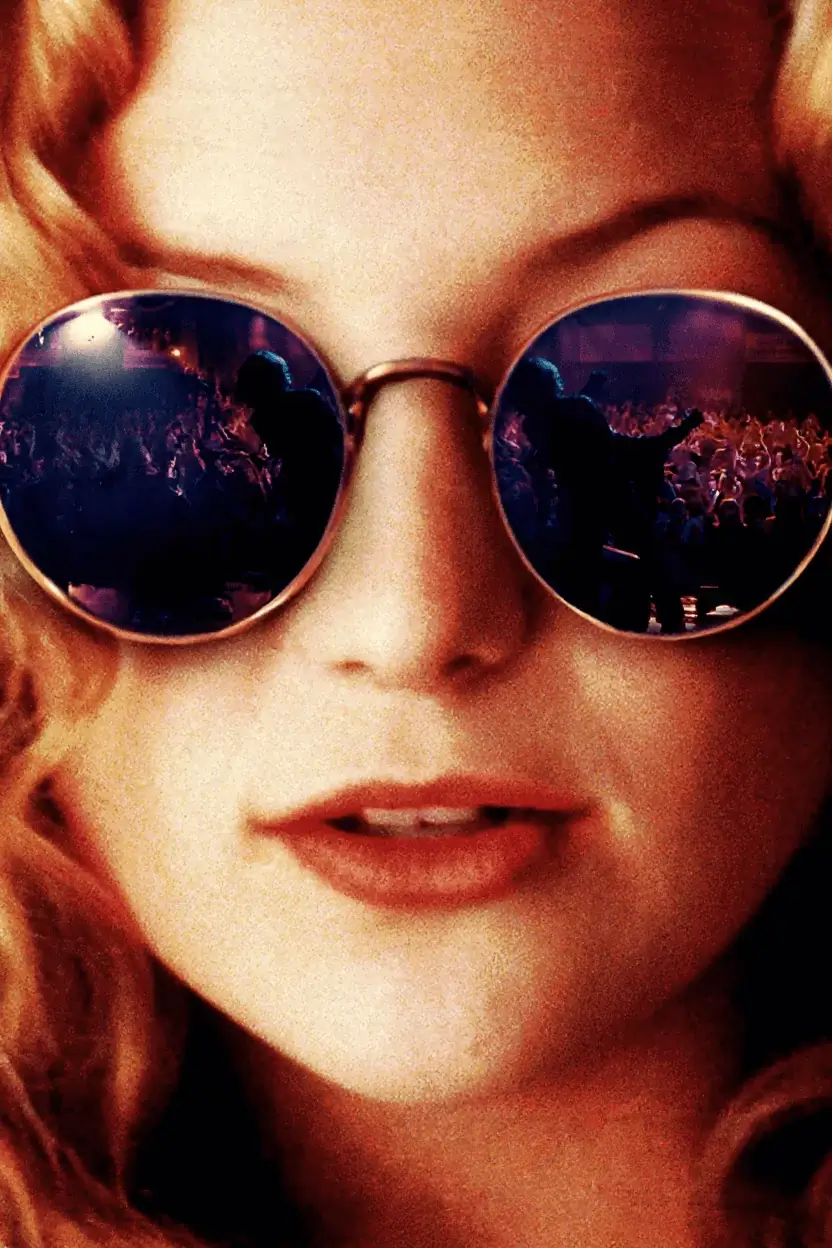
Use a single precise instruction to clean visible lettering while preserving the surrounding image.
Remove all visible text and reconstruct the background naturally.Open custom edit
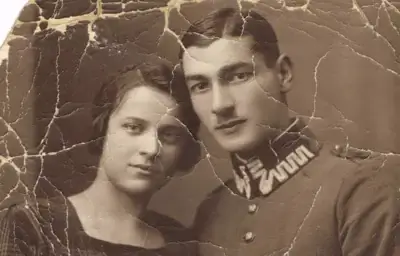

A focused custom edit can restore color and repair scratches without turning the tool into a multi-step project app.
Restore the color and remove scratches and damage.Try a custom instruction
KontextFlux removes model selection and prompt guesswork. Each mode asks only for the details needed to make one understandable edit.
Your browser corrects orientation, reduces the longest edge, converts the image, and removes metadata before submission.
Original text and new text, object and color, product and scene—the form turns concrete inputs into a controlled edit instruction.
Use the draggable Before/After comparison, verify lettering and product details, then download the short-lived private output.
Each page opens the same production editor with the right task already selected, plus examples and limitations specific to that job.
Anonymous AI generation has browser, network, and daily capacity limits so a small group of automated users cannot consume the entire provider budget.
When the AI queue is paused or your edit has been used, the browser tools remain available: resize, compress, convert formats, remove metadata, and copy the structured prompt.
There is no surprise account wall after generation and no watermark added to an eligible free result.
Prepared inputs are scheduled for deletion after roughly one hour; results after roughly 24 hours. Files live in private storage and require the same anonymous browser session plus a short-lived signed token.
AI output is probabilistic. Always compare small text, logos, product claims, colors, hands, and identity details before publishing.
Read the privacy policy or review acceptable use without leaving the editor.